 Path
The alert, before your store opens
Alert screenshot: failed step, time, store. You get it before the site opens.
Black Friday in 24 days: will your customers be able to pay? 25% off the first year and free setup, until 30 NovemberSee the offer →
Status page · free
A public page that shows your customers, live, whether your site is up. Free Solo sign-up, no card. Enter your site’s address, Pathly runs a first Ping and your page is online.
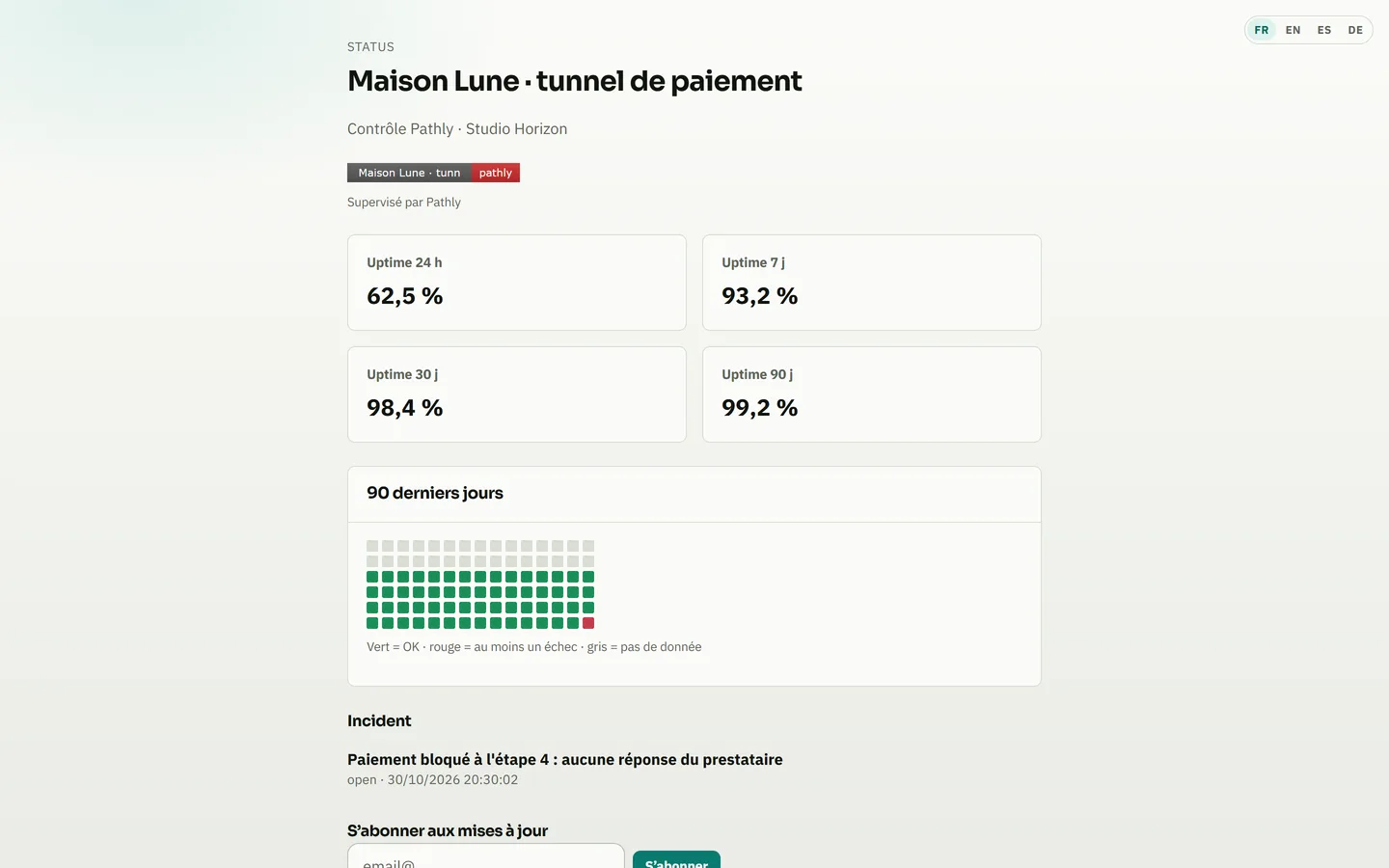
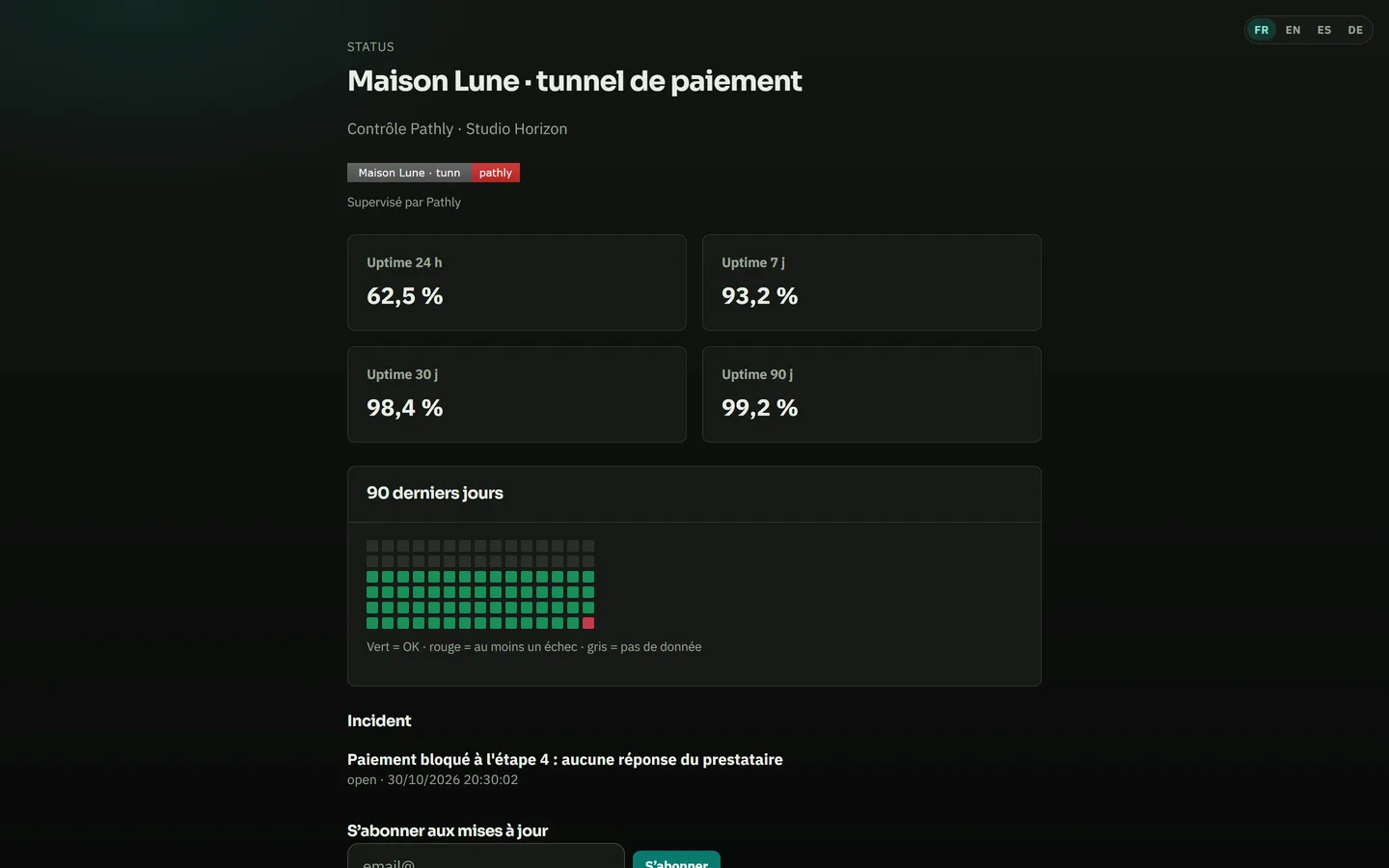
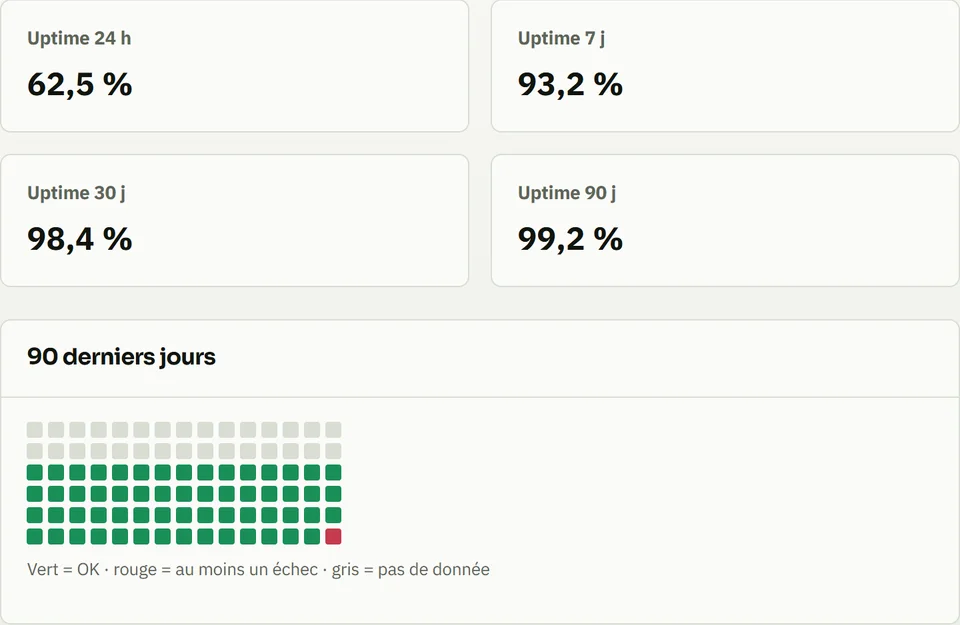
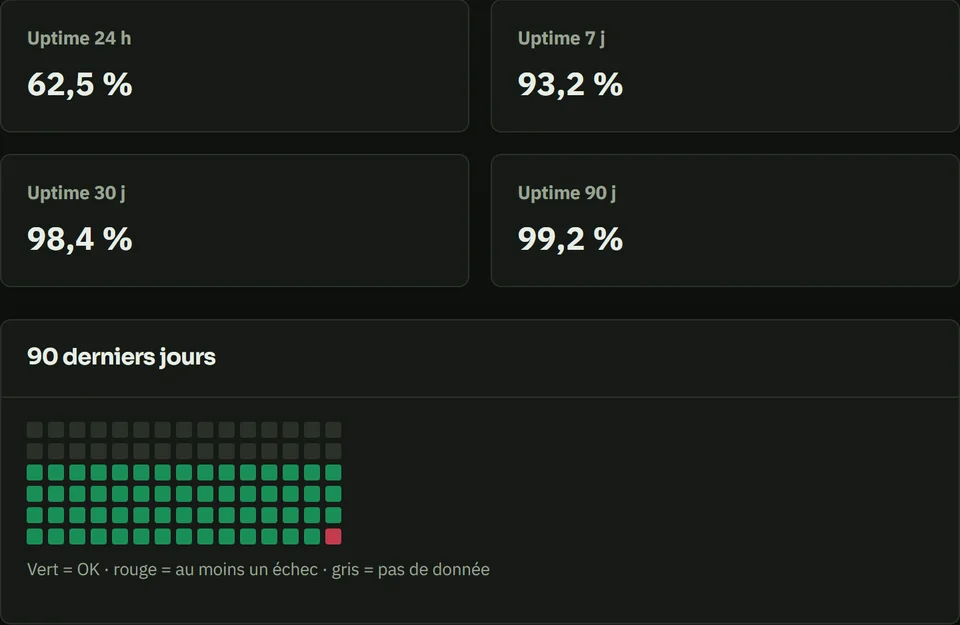
Screenshot of the Pathly app, with demo data.
The live state of each Ping, availability over 24 hours, 7, 30 and 90 days, and ongoing incidents. Your customers check it before they email you.
Screenshot of the Pathly app, with demo data.
The status page is included in every plan, Solo too. So are your logo and your own domain. The “Monitored by Pathly” line stays at the bottom of the page, on every plan.

Create your Solo account. Enter your site’s address: Pathly runs a first Ping. Pick the page’s address and put it online. You can then add its badge to your site’s footer.

A green Ping says the server answers. Add a Flow to check that a visitor can get through the cart or the login, in a real browser.


Product proof
Alert screenshot: failed step, time, store. You get it before the site opens.
First page of the monthly PDF report — attach it to the maintenance invoice (Business).
No admin access, no plugin, no FTP. You record the checkout as a visitor. Data in the European Union. One measurement origin.
Free sign-up, no card. Your page is online right after the first Ping.
Create my status page